A dynamic QR code you print once.
Every Fwdia website comes with a permanent QR code. Put it on cards, menus, posters and packaging, then change what a scan opens whenever you like. The printed code keeps working.
- Never expires, never reprint
- SVG and PNG print files
- Scans counted in Insights
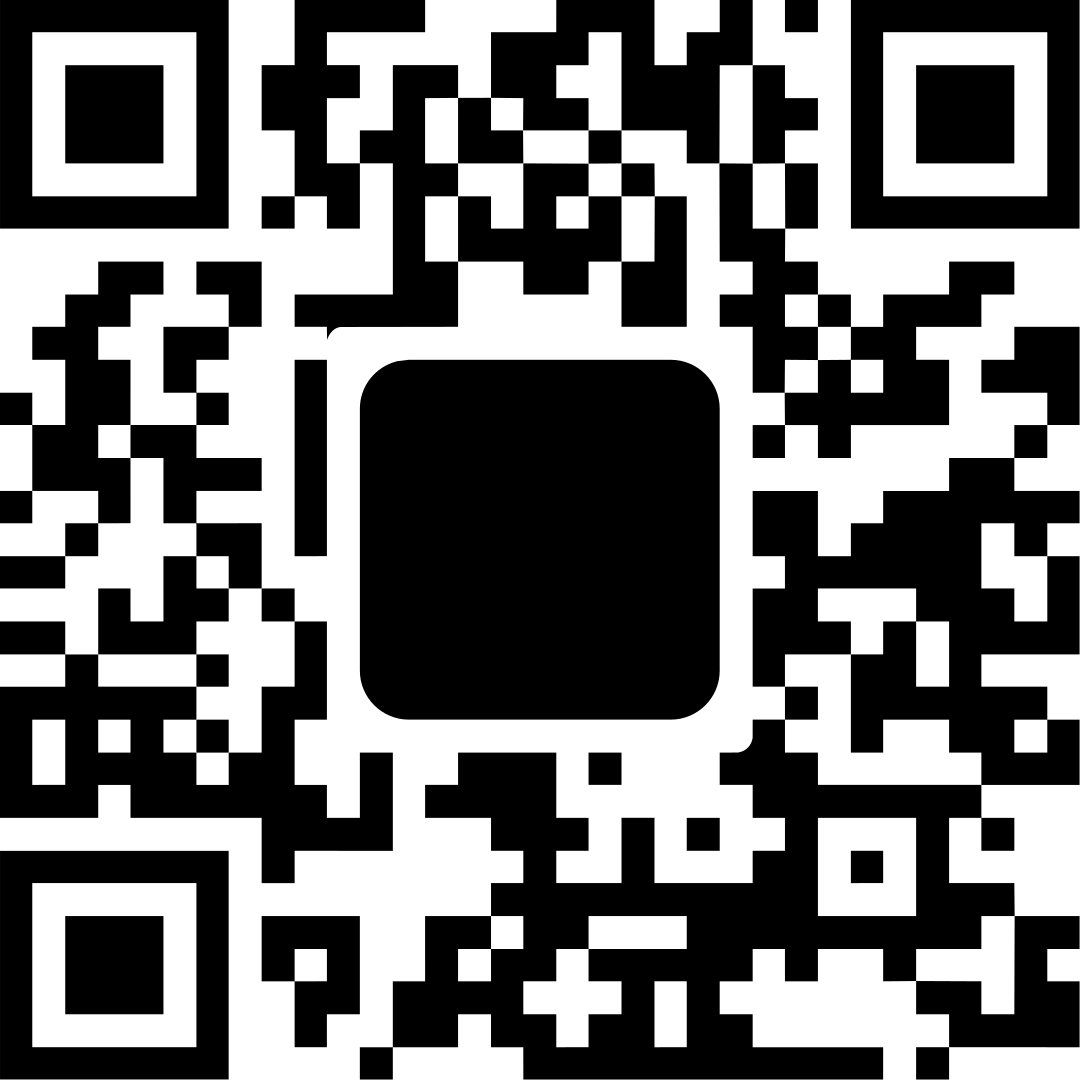 Printed once
When someone scans the same code, open:
Switch any time in the app. Email, SMS and call modes too - every mode beyond Website comes with Pro.
8 things a scan can do
Pick one in the app and save. The next scan does the new thing, on the code you already printed.
-
Open my website
The default: a scan opens your website.
-
Save my contact Pro
Adds your contact card to the phone in one tap.
-
Open a file or PDF Pro
A menu, price list, flyer or ticket you uploaded.
-
Draft an email Pro
Opens the mail app with your address, a subject and text.
-
Draft an SMS Pro
Opens the messages app with your number and a text.
-
Redirect Pro
Sends visitors to any web address, right away or during a set period.
-
Call me Pro
Starts a phone call to your number.
-
Share my Wi-Fi Pro
Shows a card to join your Wi-Fi, with the password to copy.
Change it after printing
A normal QR code holds one web address forever. Yours holds a short Fwdia address that you point anywhere, as often as you like.
- Seasons and events. Show the summer menu in June and the ticket shop in December, on the same table sticker.
- Plan it ahead. A redirect can start and end at a set moment; outside that period a scan opens your site.
- A typo is no disaster. Moved your page or changed your shop? Change the setting, not the print run.
- Your short address follows. A claimed address like
fwdia.com/yournamedoes the same as the QR code.
Print files that scan every time
Download your code as a crisp SVG for the print shop or a high-resolution PNG for documents and social media.
- Your colour. Pick the colour of the dots; keep it dark on a light background.
- Built to survive. Choose how much damage the code can take, from clean paper to scratched outdoor stickers.
- Two codes. The permanent code for print, and one for your own
fwdia.com/yournameaddress.
A short link for everything else
The same site has a short address to put in your bio, your email signature and on WhatsApp. Add ?src=flyer to see how many visitors each place brings.
- A free address like
fwdia.com/kX80nEo8on every plan. - Your own name like
fwdia.com/bakery-ghenton Pro. - Scans and visits counted. Insights shows QR scans, short-link visits and link clicks, without cookies.
Questions
What is a dynamic QR code?
A QR code whose destination you can change after it is printed. The code holds a short address that never changes; what that address opens is a setting you control.
Does the code expire?
No. It keeps working for as long as your website is on Fwdia, also on the Free plan.
Is it free?
Yes. Every website gets its QR code on the Free plan, where a scan opens your website. The other scan modes come with Pro (€9/mo, excl. VAT).
Do I need a website to use it?
The QR code belongs to a Fwdia website, but a scan does not have to open it: send people straight to a PDF, your Wi-Fi or another address.
Print it once. Change it forever.
Create your website and its QR code for free. No credit card needed.